The complete product tour · 3 minutes

SalesCollab Revenue Engine

From your first campaign to the reports that show what it earned. Five pillars, one place to run and measure your marketing.

Get started free

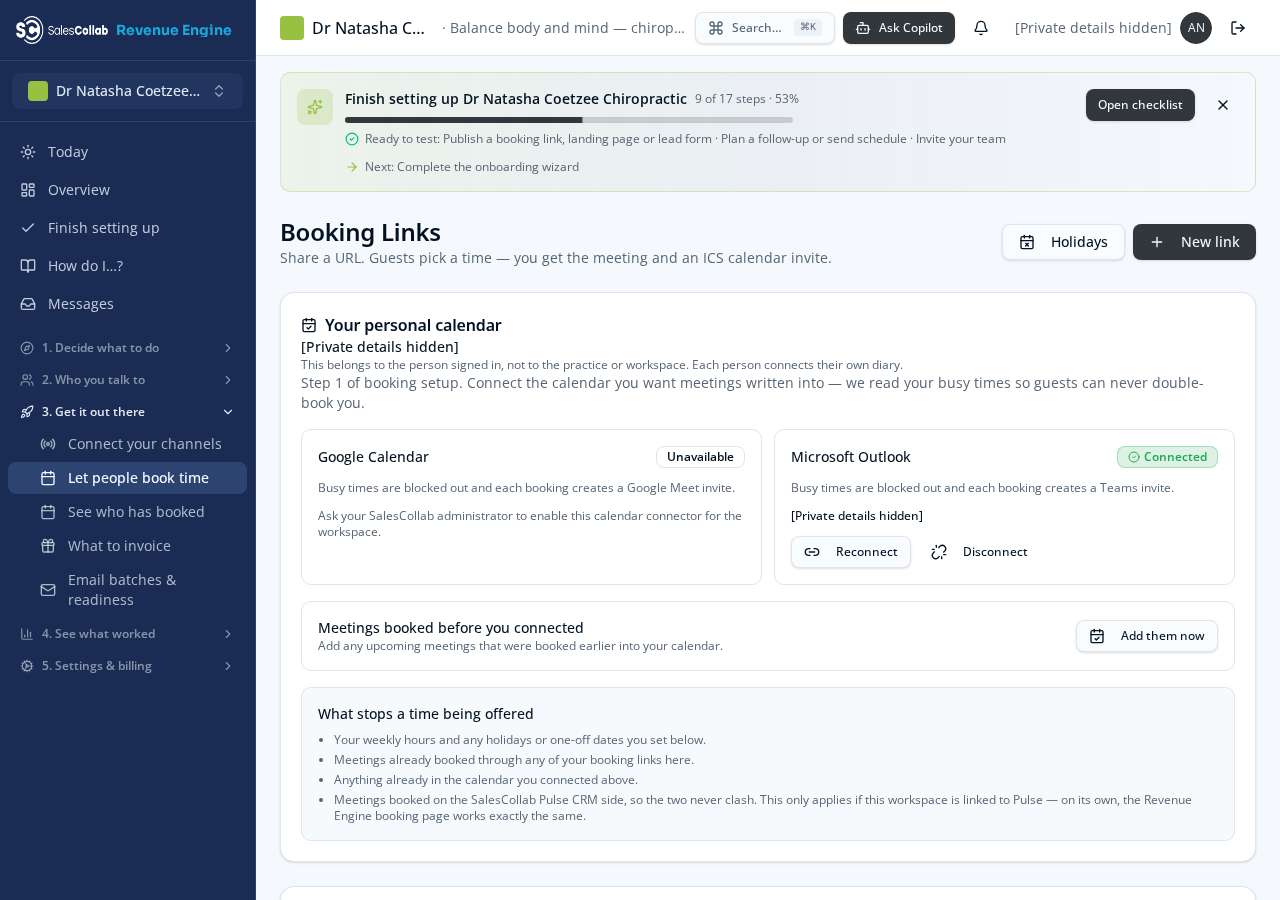
Real screens from Dr Natasha’s workspace illustrate the wider platform. Private details are hidden; empty results are not sample success figures.

The full picture, not just one customer’s campaign

01 / 0:00

Setup & audience

Your business, your brand, your customers.

  • Today, Simple mode & guided setup
  • Brand Kit, Workspace Brain & brand voice
  • Contacts, imports, lists & lead scoring
  • Data hygiene, lead forms & website capture
  • Sales pipeline & customer workspaces
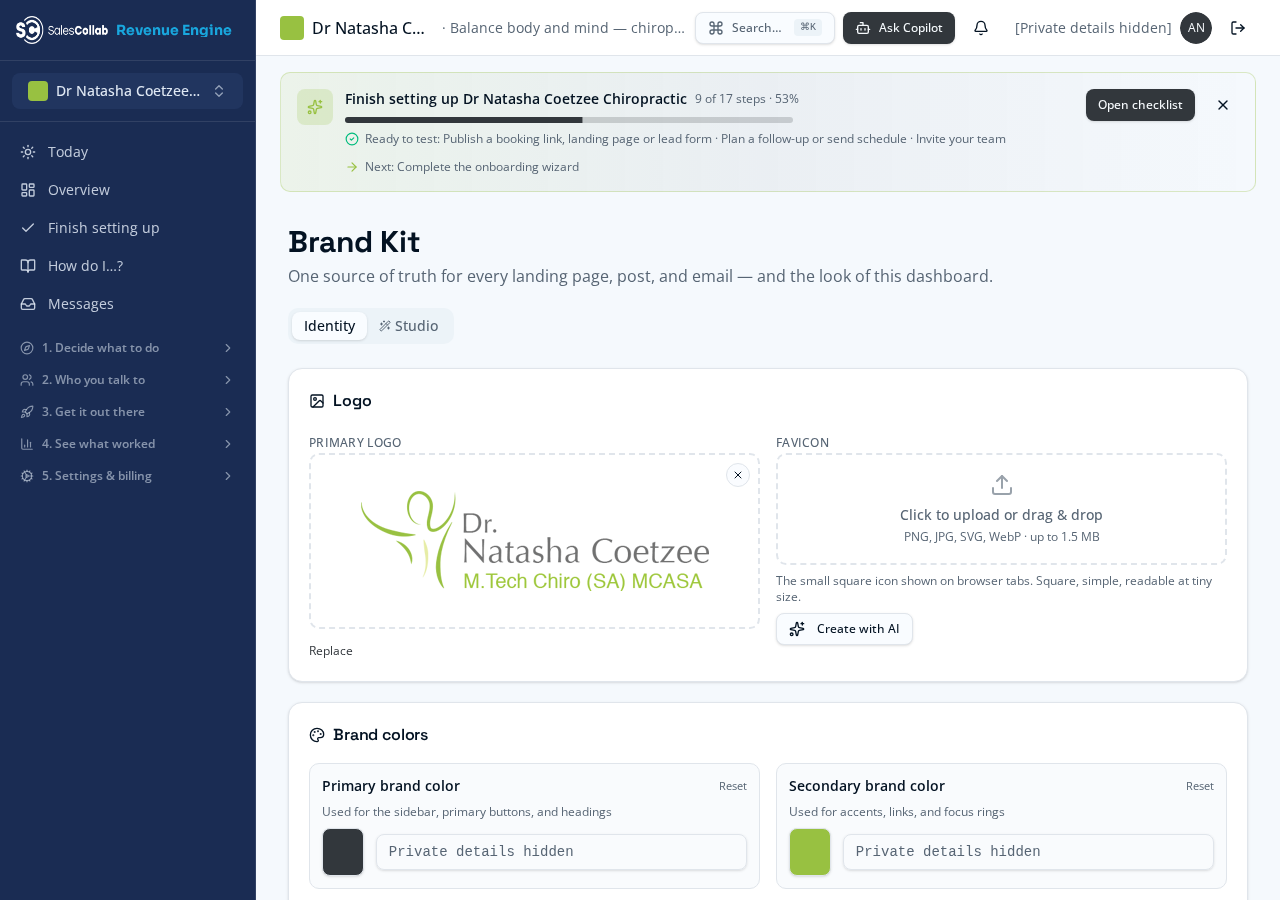
Setup & audience — real Revenue Engine screen in Dr Natasha’s workspace

02 / 0:36

Campaigns & content

From an idea to a campaign you can approve.

  • Quick Start, starter packs & templates
  • AI Studio, your own copy & saved snippets
  • Content Calendar & landing pages
  • Campaign Plan, consent & launch checks
  • Email, social, paid ads, SEO, WhatsApp & SMS
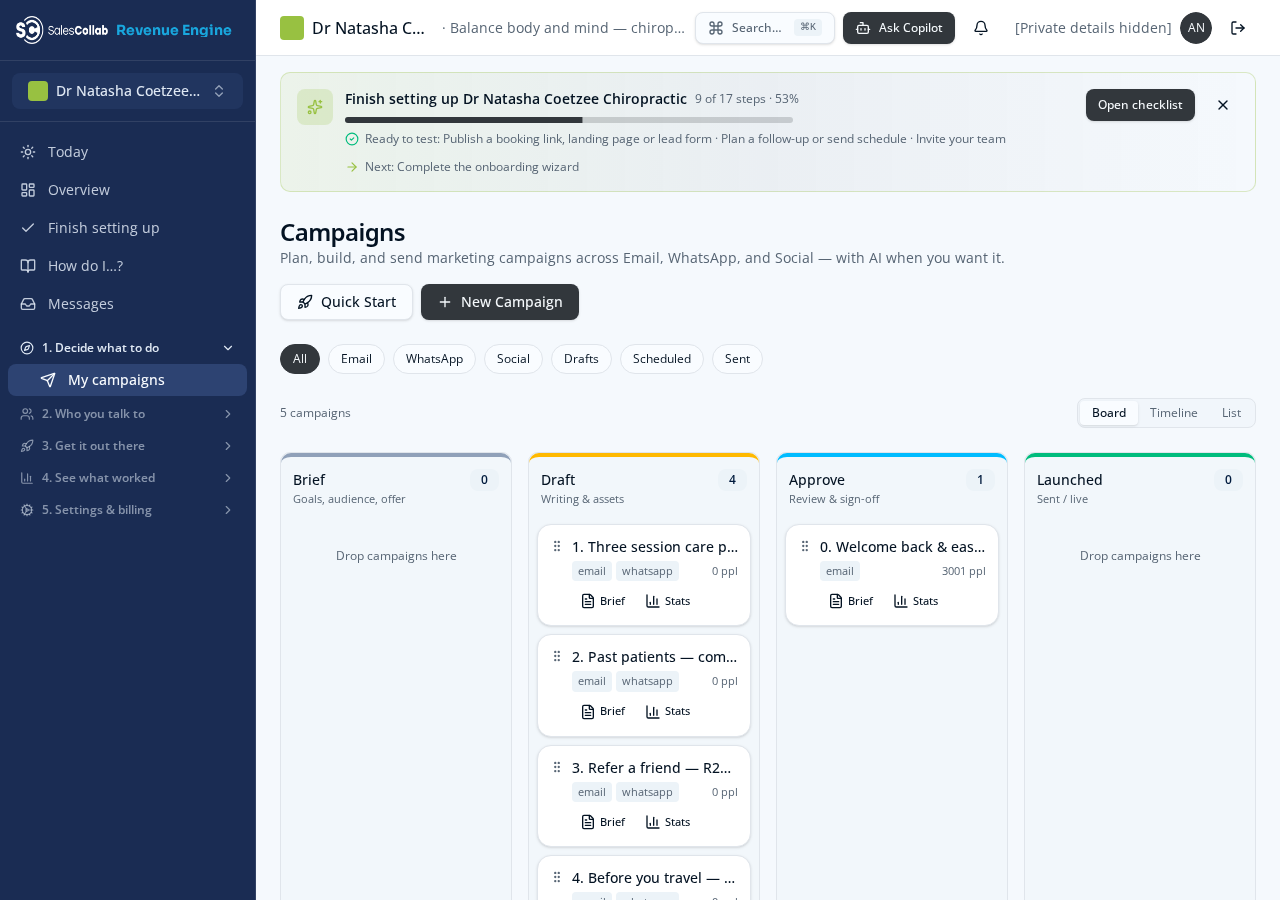
Campaigns & content — real Revenue Engine screen in Dr Natasha’s workspace

03 / 1:12

Bookings & follow-ups

Turn enquiries into conversations and appointments.

  • Booking links, host calendars & time off
  • Appointments, attendance & referrals
  • 24-hour and 2-hour email reminders
  • Unified Inbox & WhatsApp conversations
  • Journeys, sequences & instant lead replies
Bookings & follow-ups — real Revenue Engine screen in Dr Natasha’s workspace

04 / 1:48

Measurement & attribution

See which activity leads to customers and revenue.

  • Campaign Performance & KPI targets
  • Mission Control & channel analytics
  • Campaign Results: leads, meetings, deals & revenue
  • First-touch, last-touch & linear attribution
  • A/B tests, ad-account measurement & results gallery
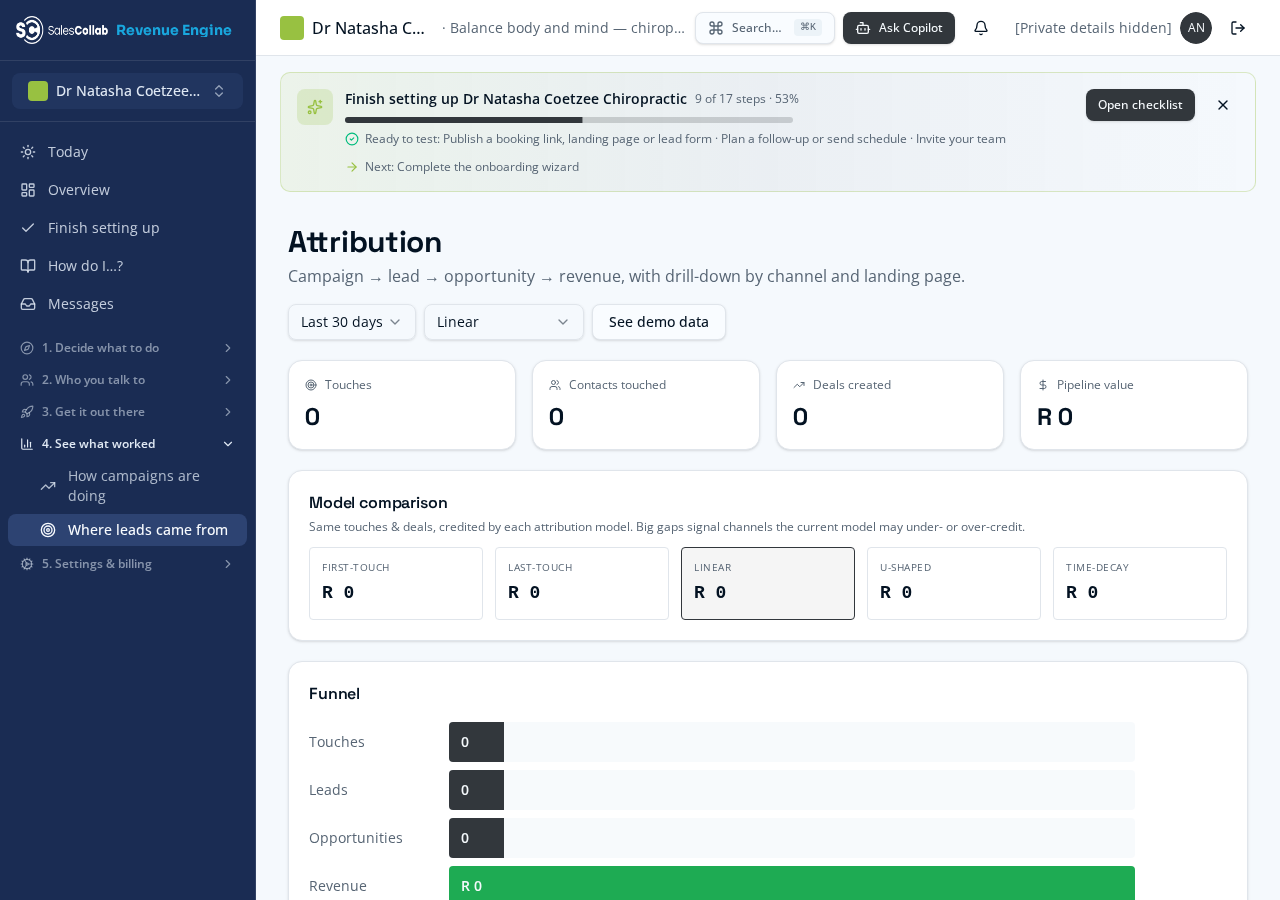
Measurement & attribution — real Revenue Engine screen in Dr Natasha’s workspace

05 / 2:24

Reports & business control

Clear reports, transparent costs and an honest view.

  • Branded executive PDFs & report schedules
  • Deliverability & WhatsApp reporting
  • Reviews, usage, credits & Honest Report
  • Plans, payment, billing history & partner resources
  • Optional Revenue Share invoice calculations
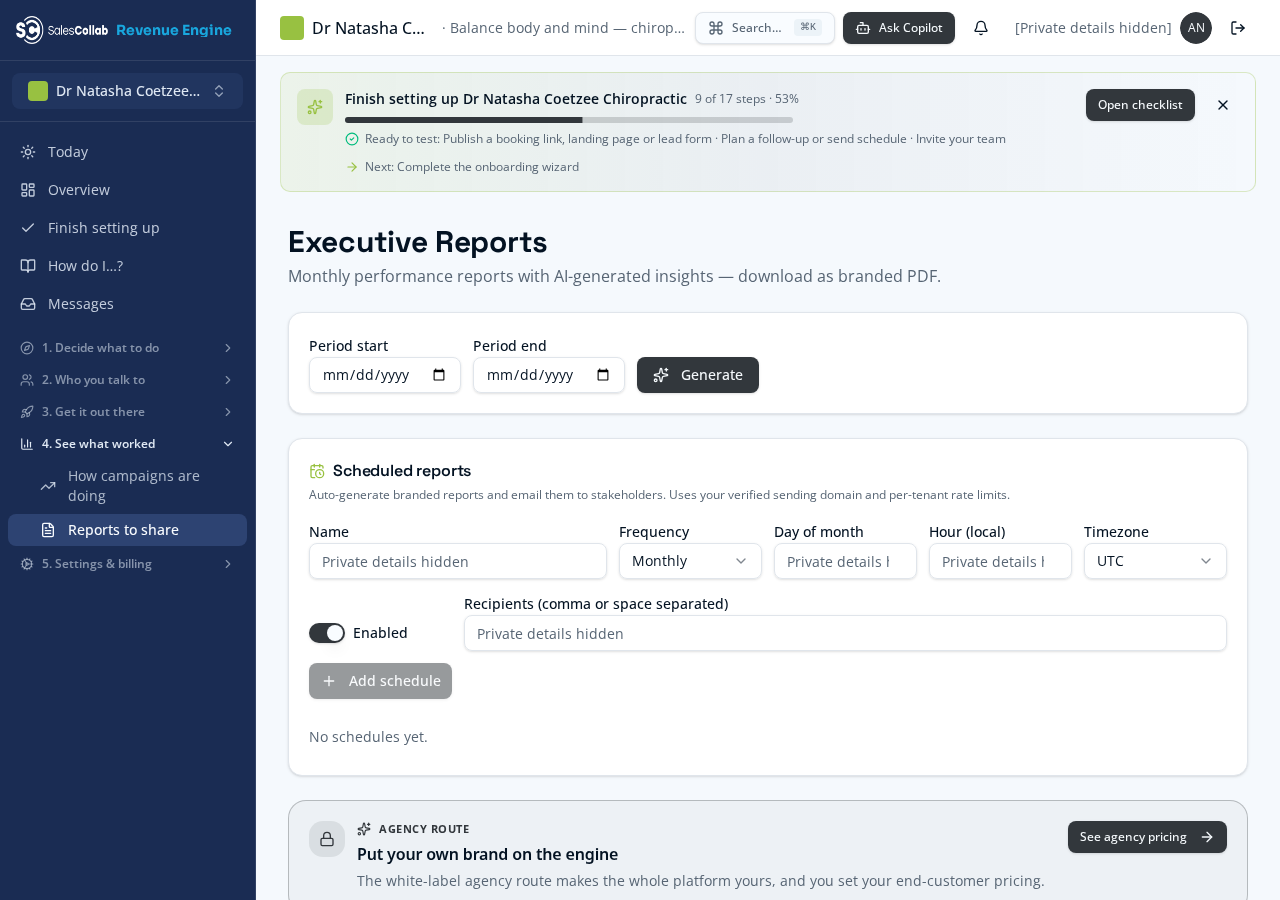
Reports & business control — real Revenue Engine screen in Dr Natasha’s workspace

What needs to be connected?

Social, advertising, SMS and WhatsApp require the relevant accounts and permissions. Sending needs consent and approval. The verified SalesCollab email sender can use your business Reply-To; your own custom sending domain is not required for that path.

What do the numbers mean?

Reports reflect recorded budgets, tracked activity and actual results. Appointment reminders are email-only, at 24 hours and 2 hours. Optional Revenue Share calculates what to invoice from attendance records; it does not create or send your customer invoices.

Make it work for your business

Start your workspace or book time with Andre.